
Putting Green Models
Discover which putting green solution meets your needs.
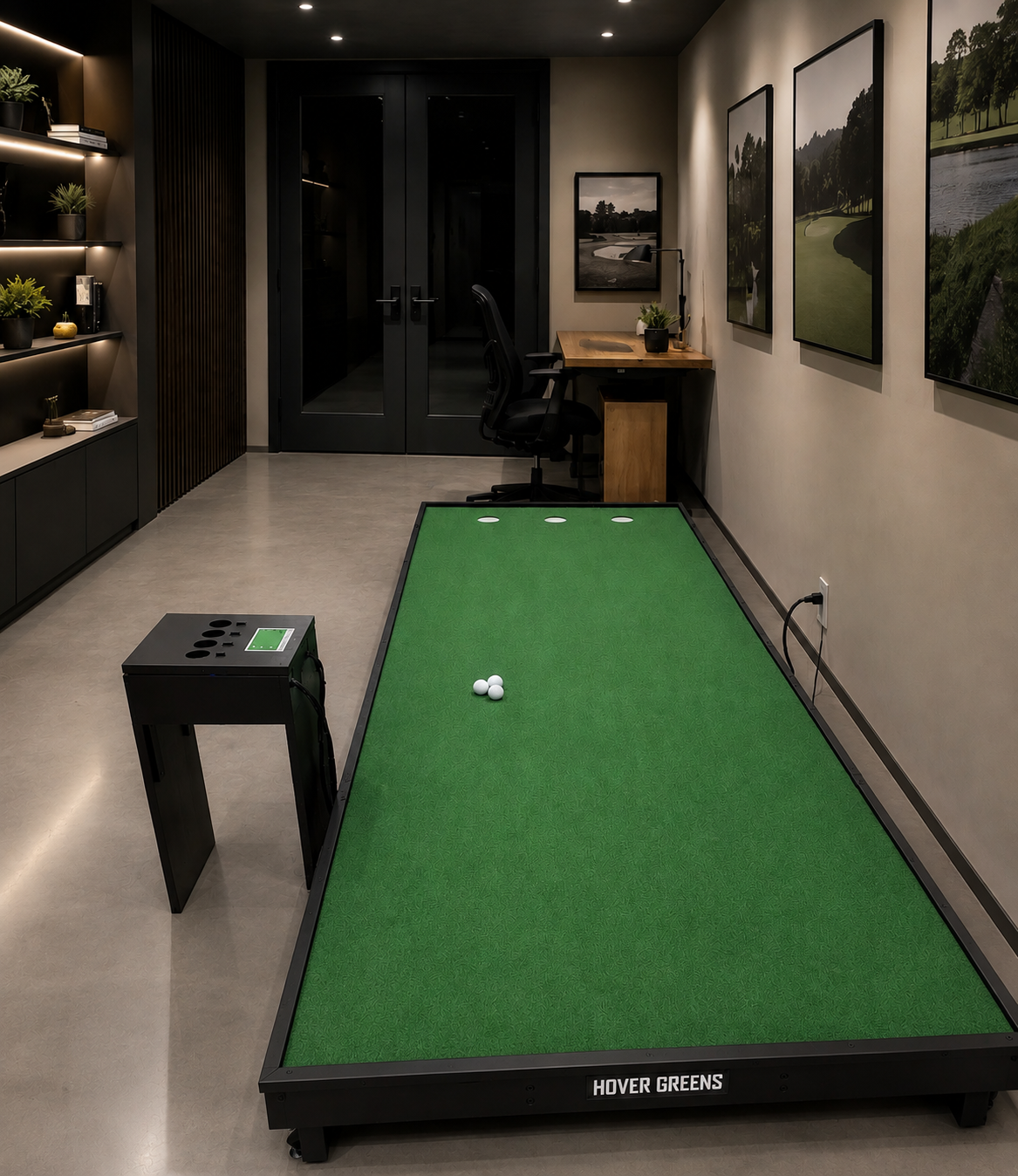
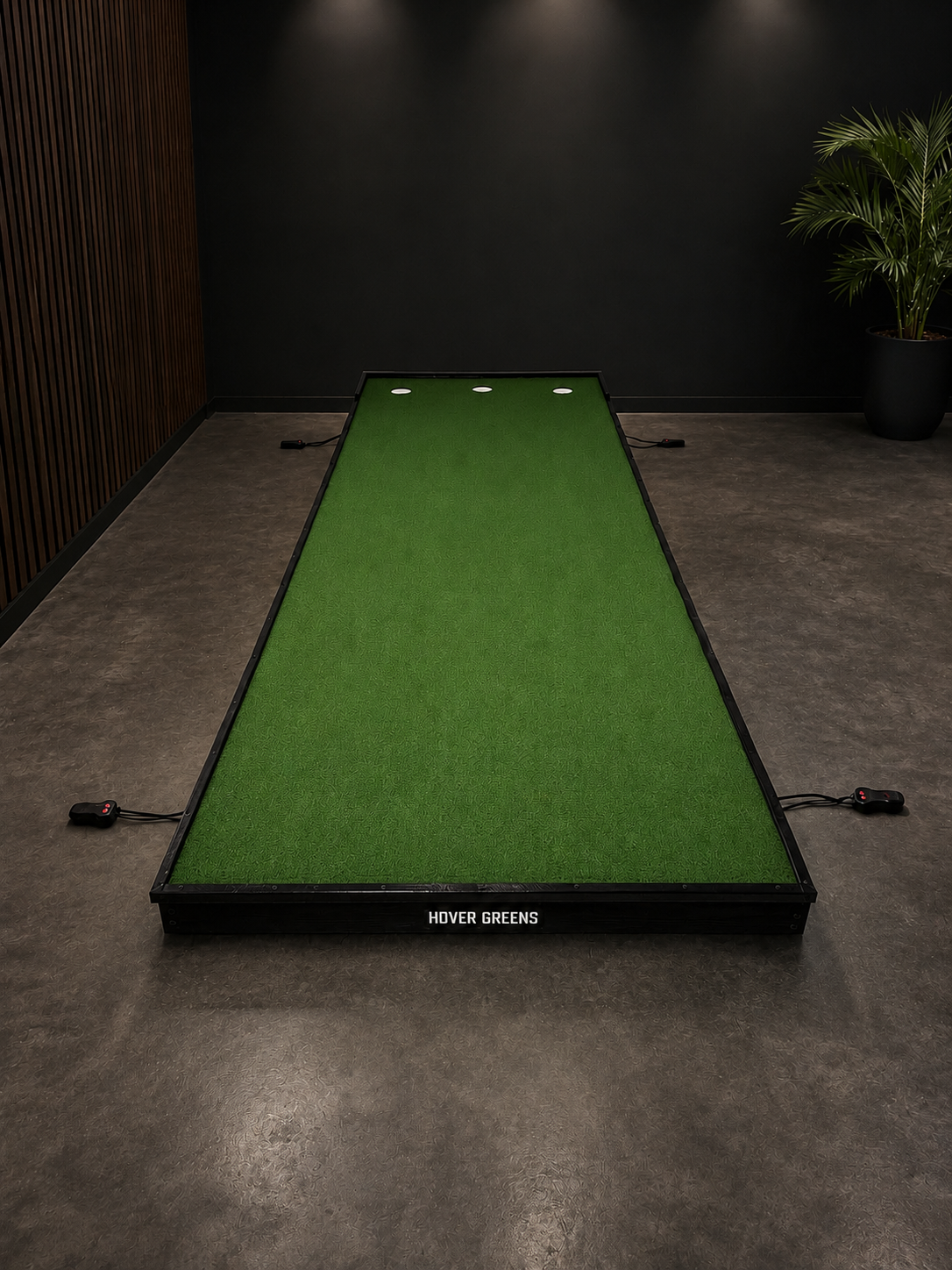
Overview
Overview
-
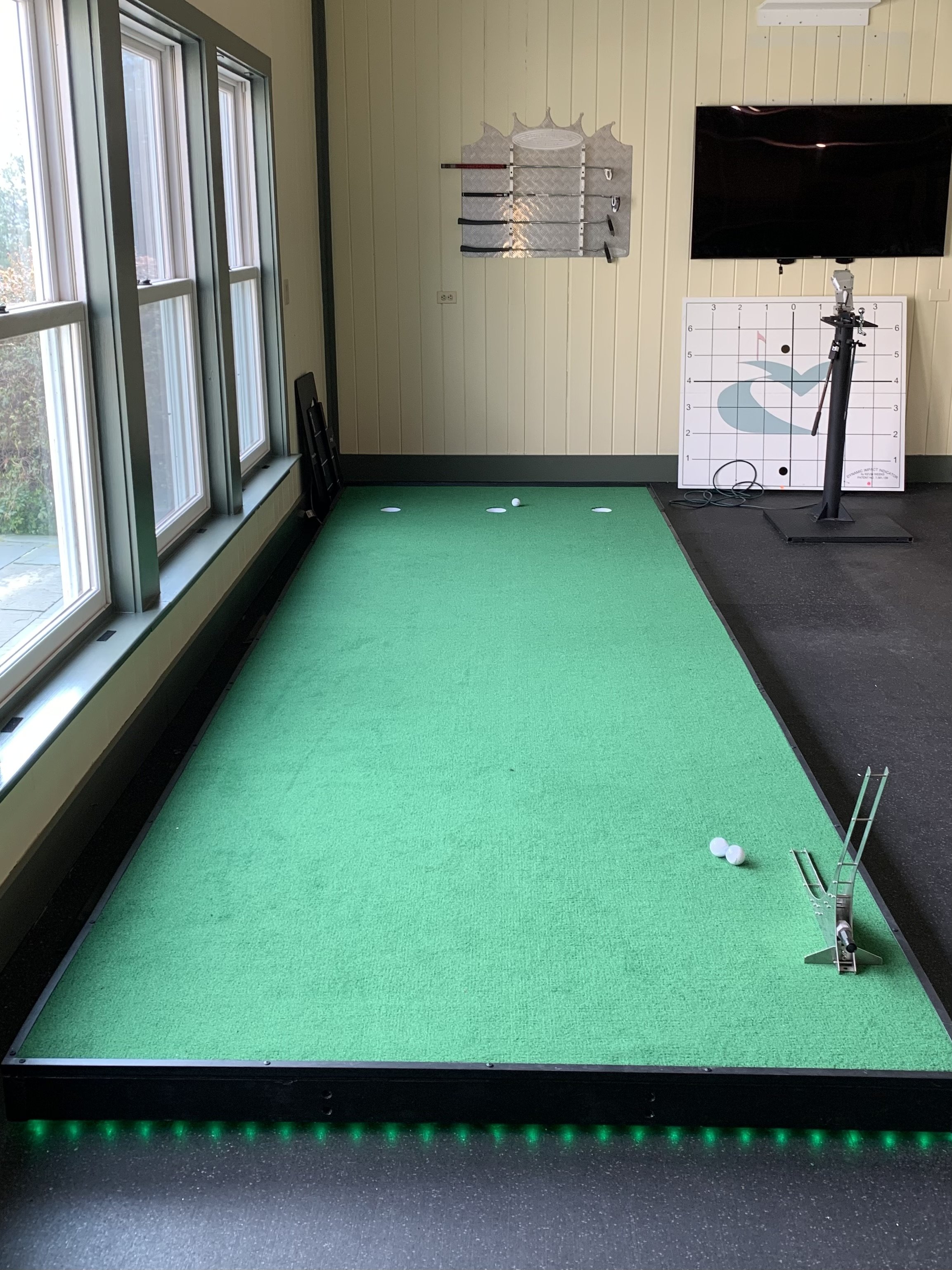
12’ Length x 48” width x 10” high
-
10 ft
-
Requires Assembly (Ships in four sections)
All tools for assembly included
-
Ships in the U.S.A. (Currently not shipping to Hawaii and Alaska)
-
12’ Length x 48” width x 10” high
-
10 ft
-
Requires Assembly (Ships in four sections)
All tools for assembly included
-
Ships in the U.S.A. (Currently not shipping to Hawaii and Alaska)
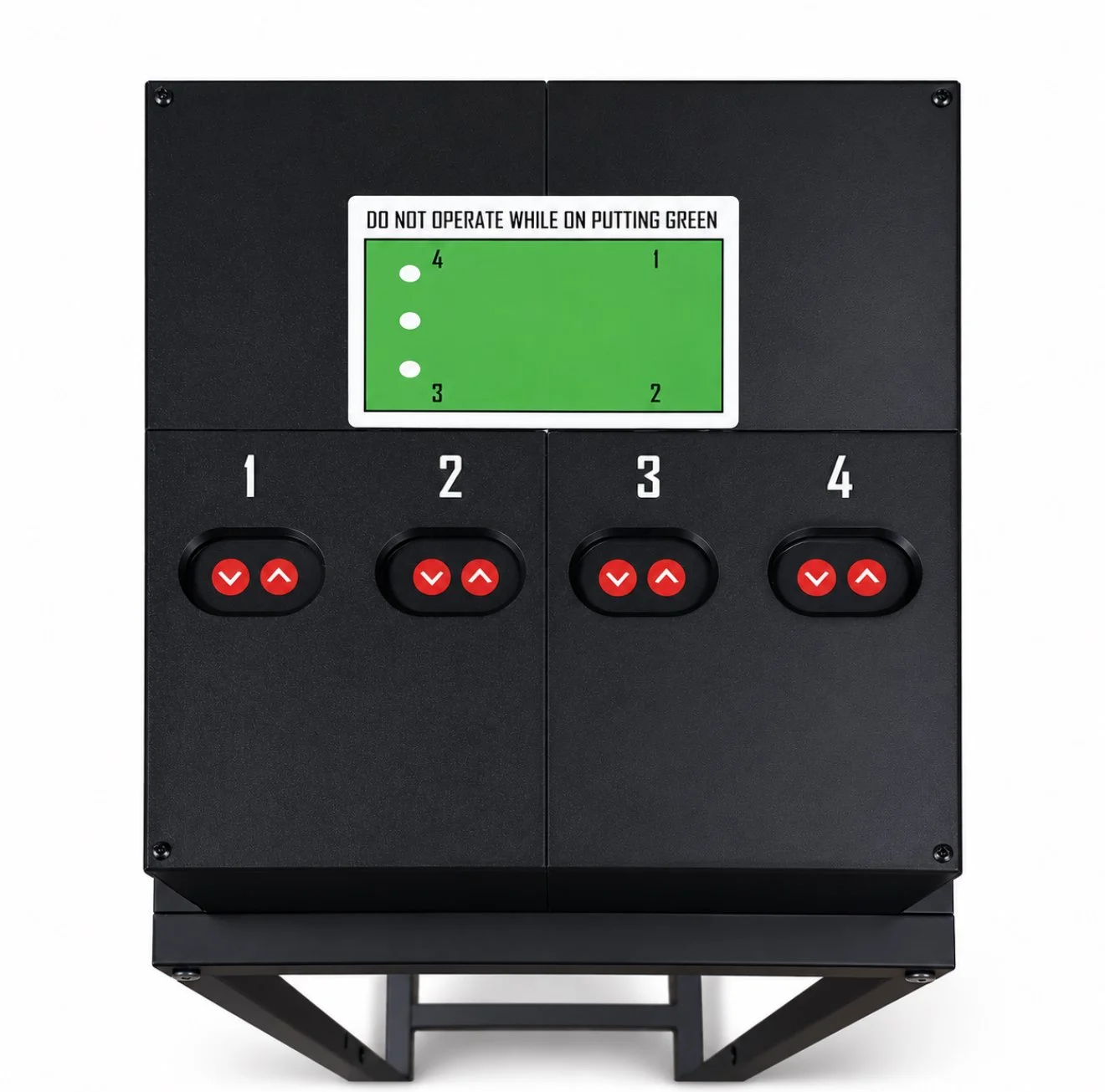
Simple slope adjustment
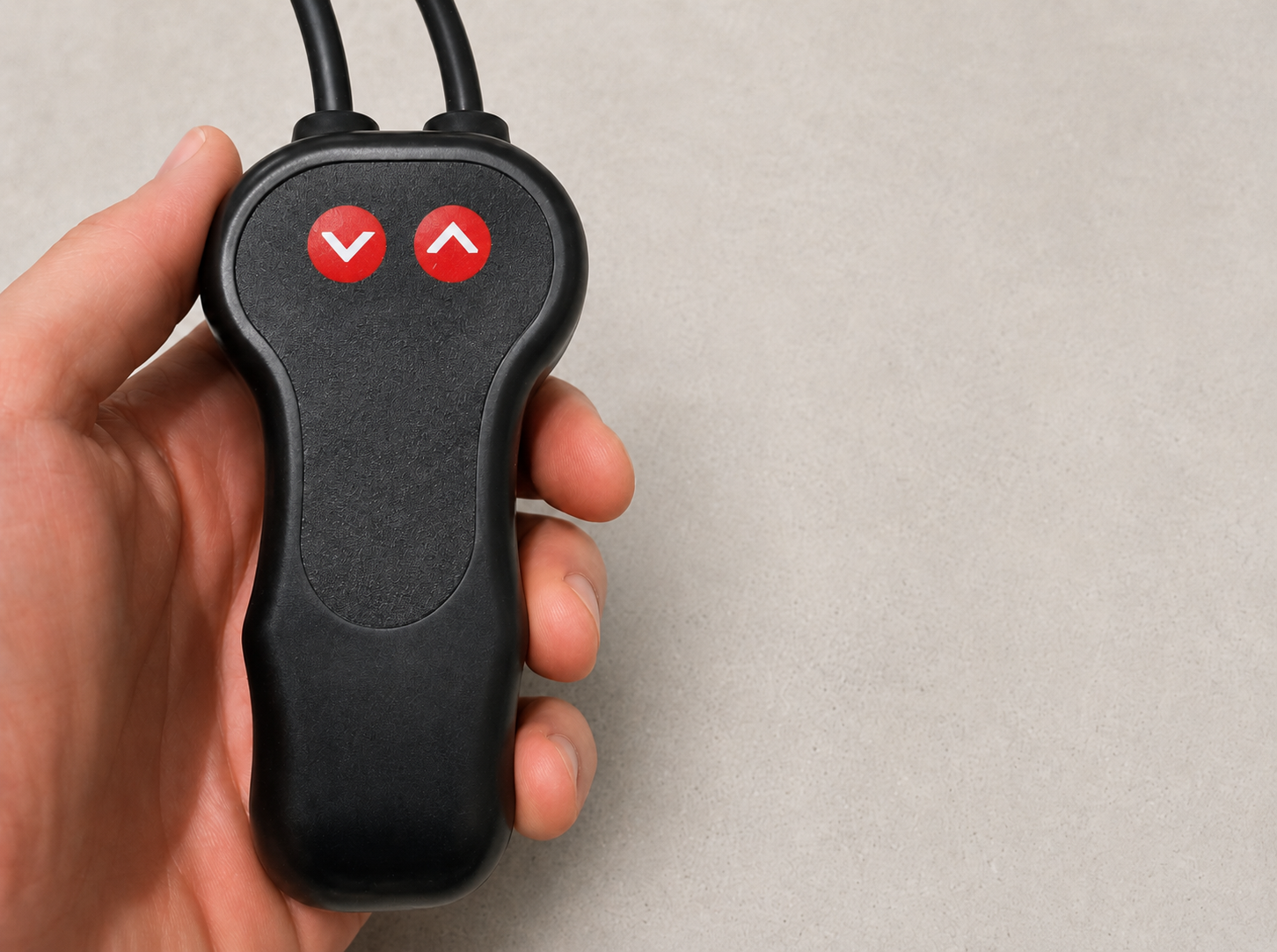
Electric slope adjustment
-
All in one location. Which makes for a simple and effective way to control the slope/pitch. And provides left to right breaking putts, right to left breaking putts, straight putts, uphill putts, and downhill putts
-
At least a 6% slope adjustment in each direction
-
4 individual motors, which provides left to right breaking putts, right to left breaking putts, straight putts, uphill putts, and downhill putts
-
At least a 6% slope adjustment in each direction
Realistic putting surface
Realistic putting surface
-
Stimpmeter reading of 11.5
-
3 USGA regulation cups create the optimal practice
-
Stimpmeter reading of 11.5
-
3 USGA regulation cups create the optimal practice
Customization available
Customization available
-
Change the color of the carpet and frame
-
Build a custom size specific to your space
-
Change the color of the carpet and frame
-
Build a custom size specific to your space
Putting System Standard
Putting System with Control Stand
Starting at $3,299
Starting at $2,999
Projection Package
Starting at $1,399
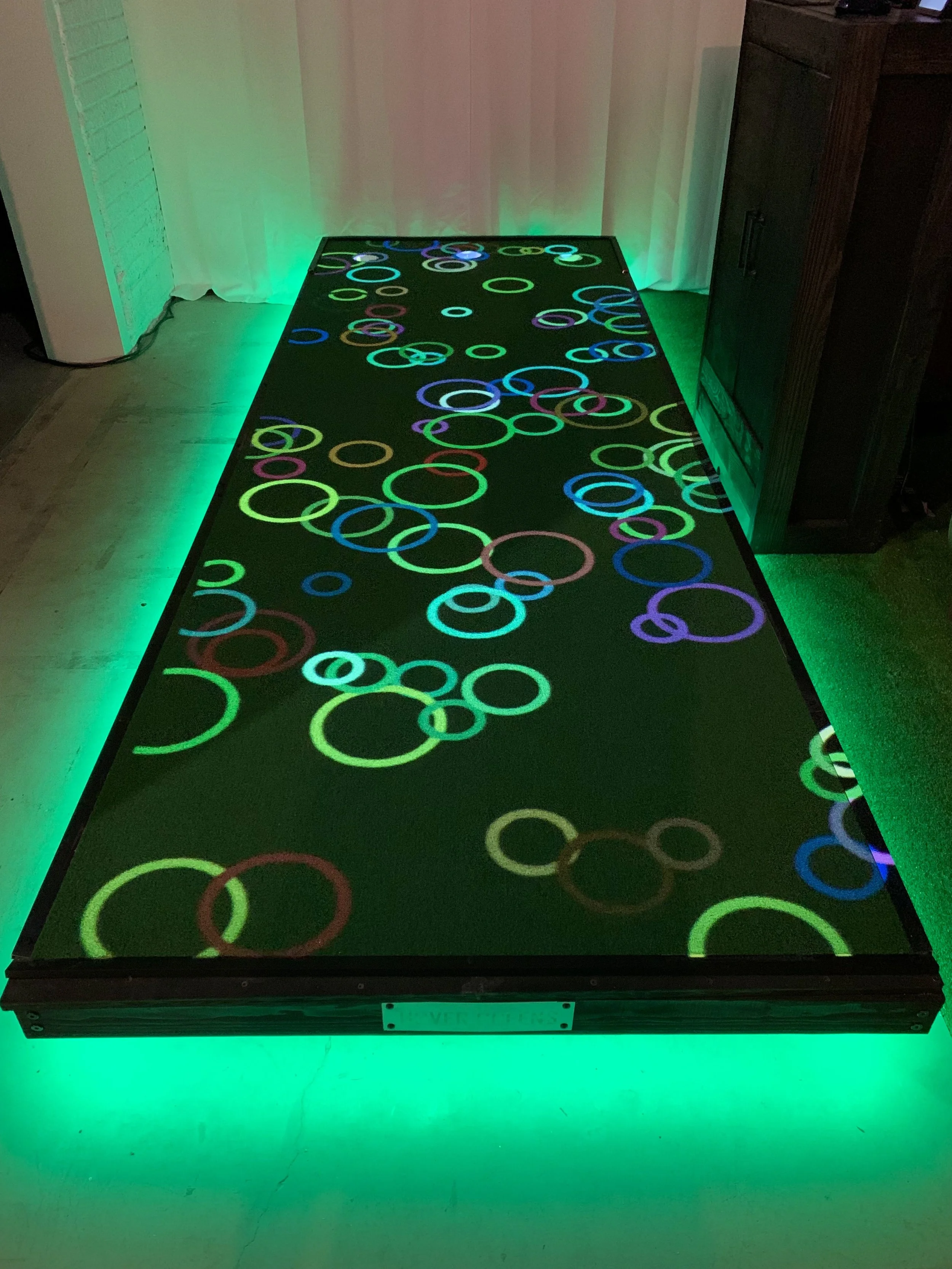
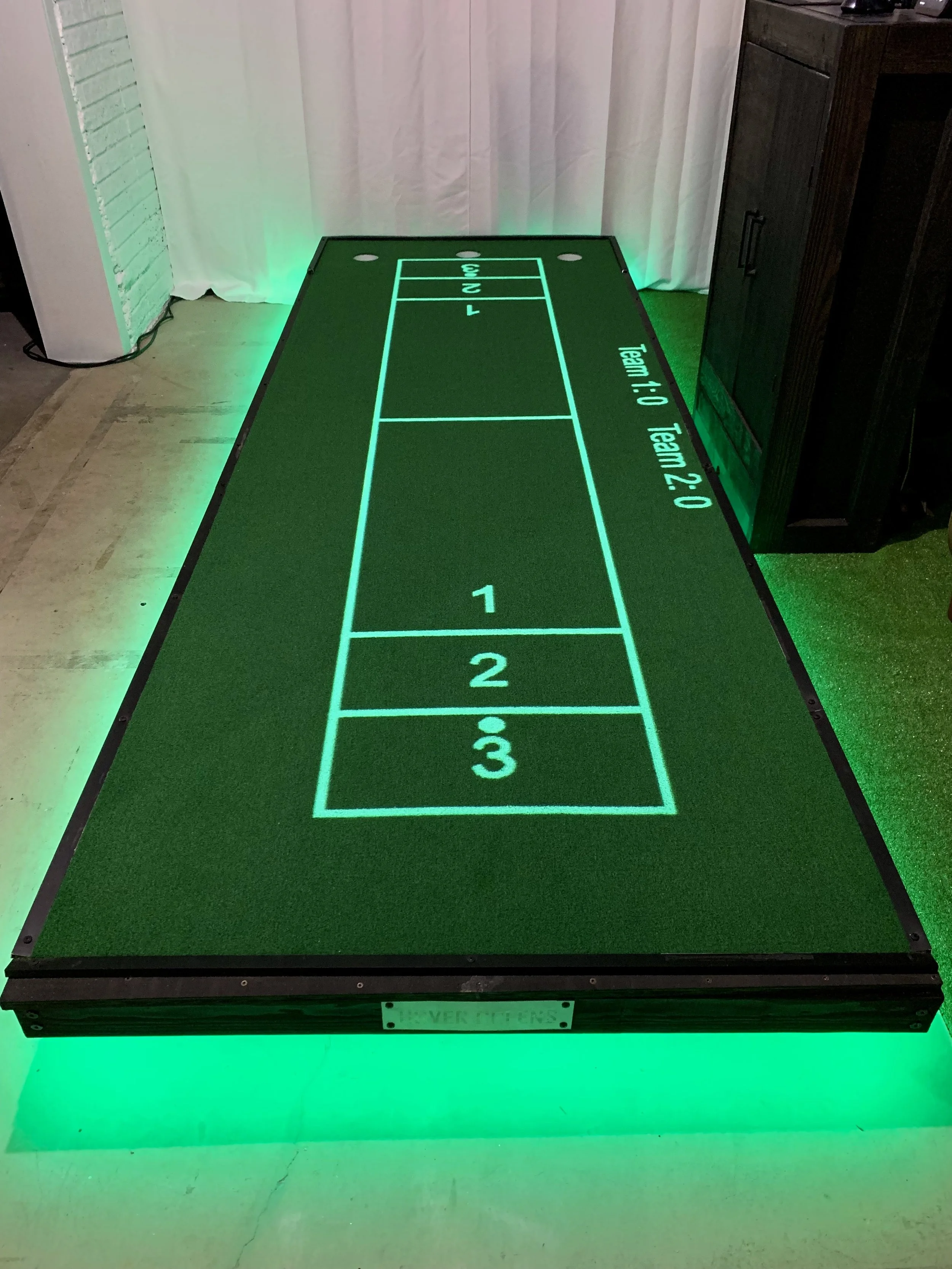
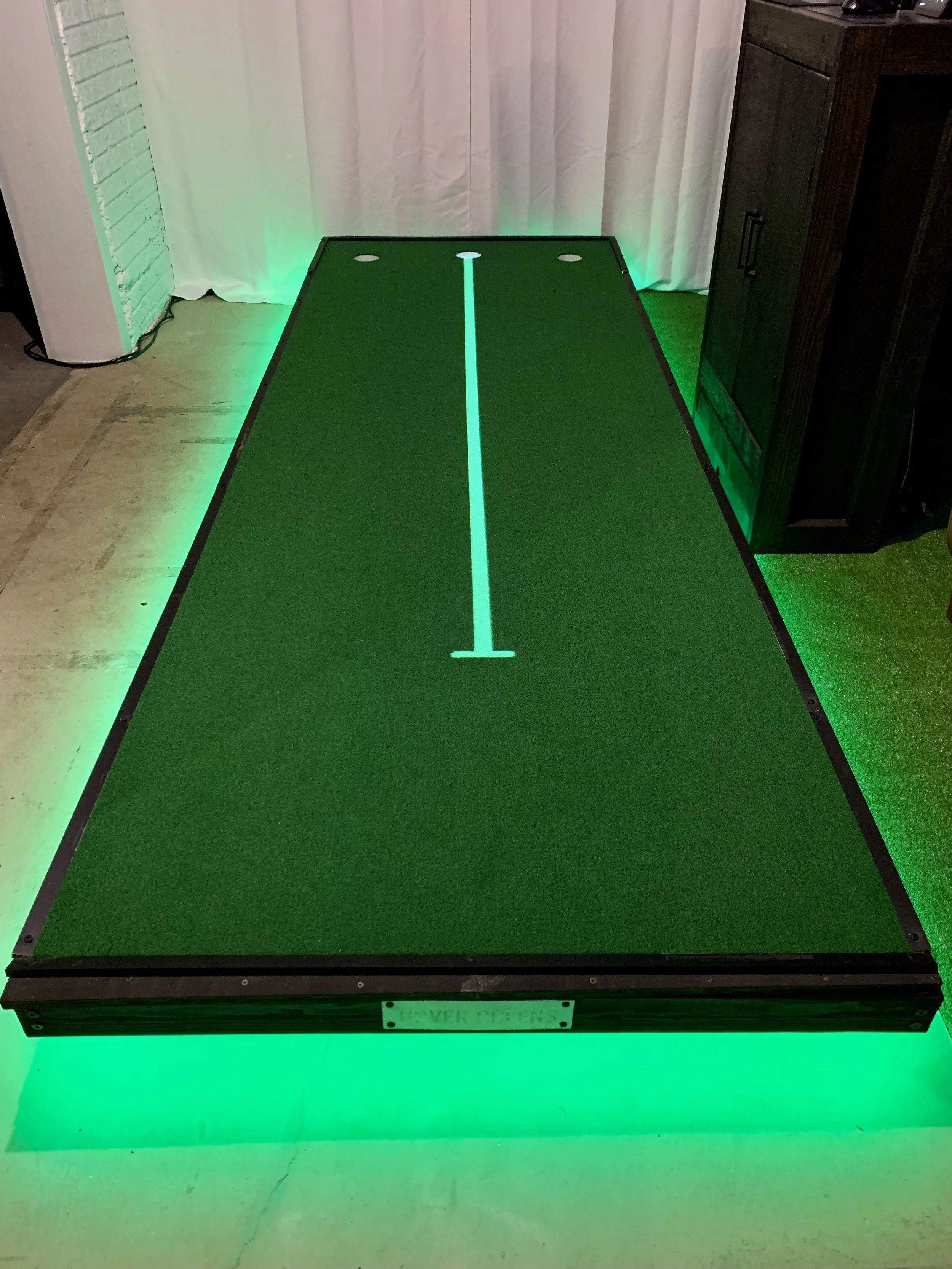
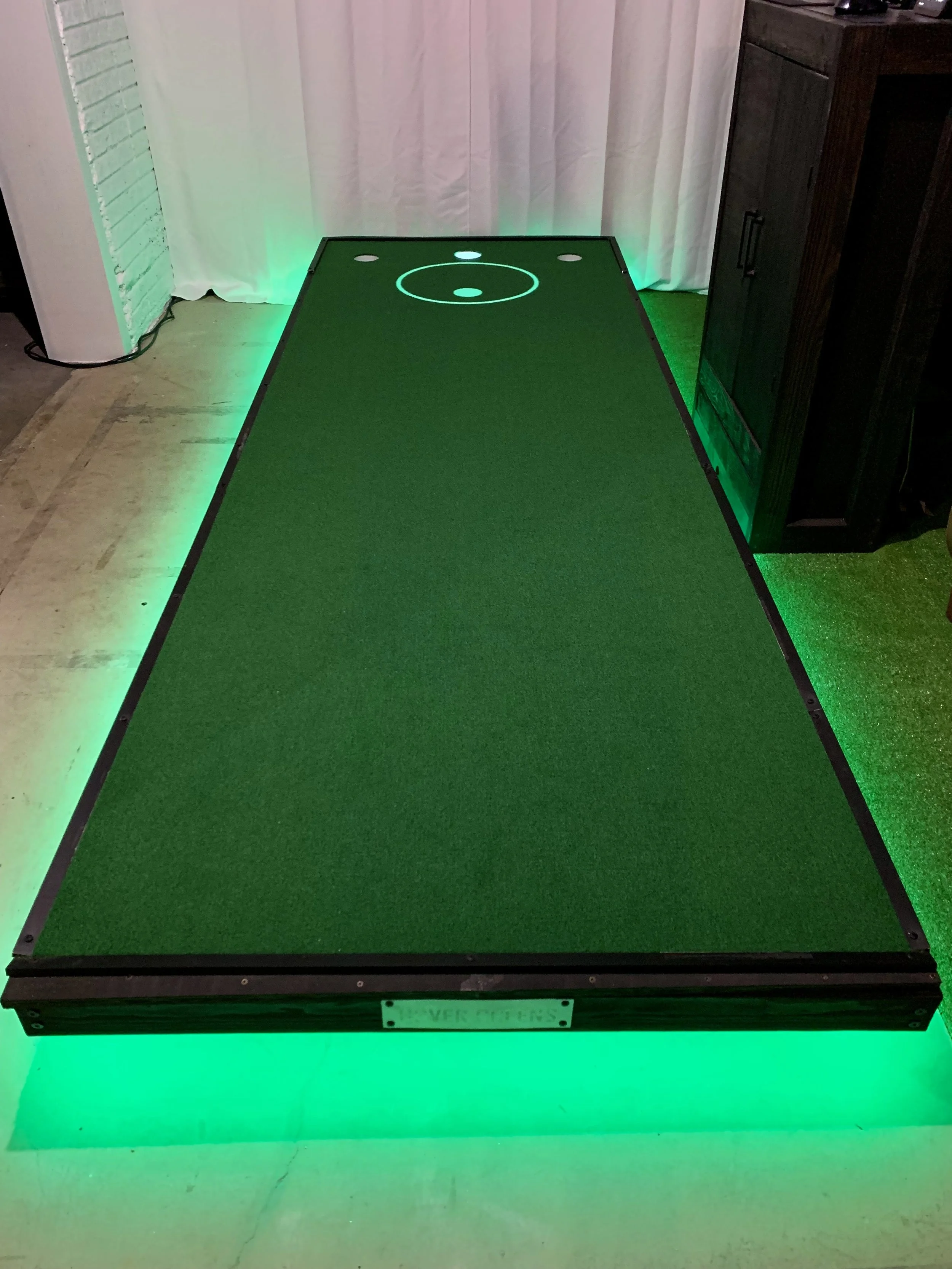
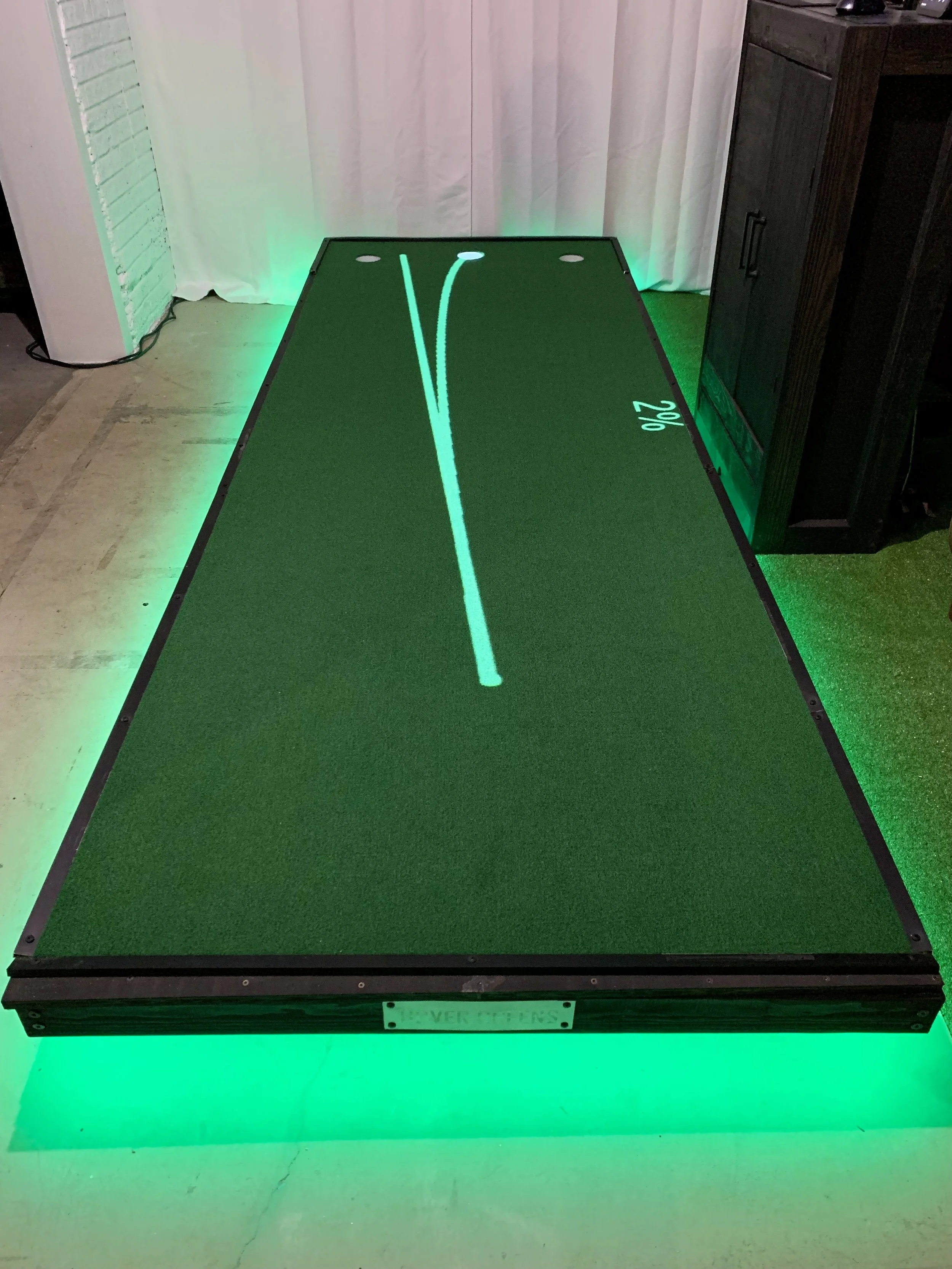
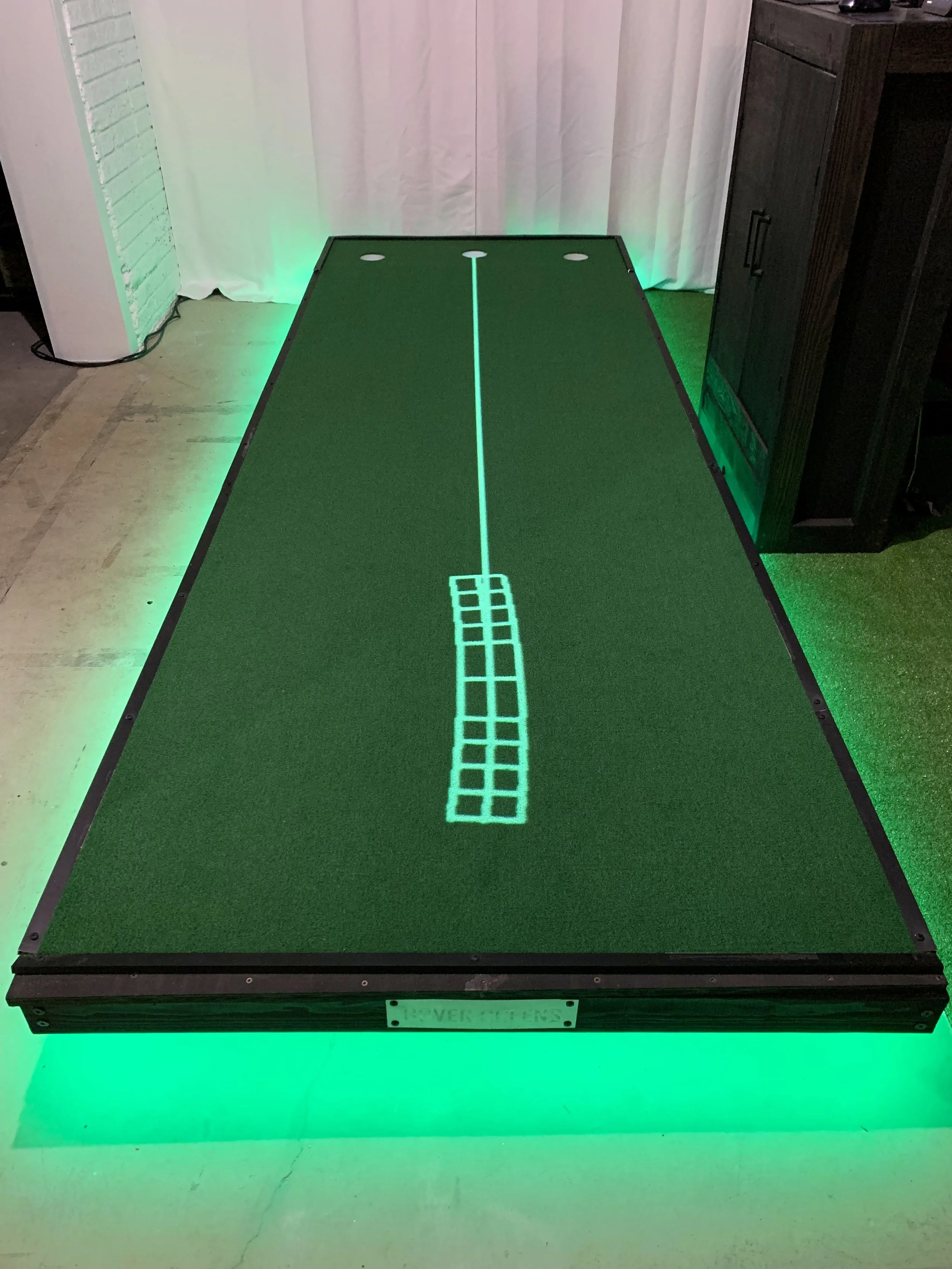
Training Applications
Alignment, Aim Dots, Aim Line, Aim For 3, 4, & 5 Feet, Alignment Angled, Disappearing Alignment, Dot Line, Ghost Holes, Mini Ghost Holes, Putting Arc, Putting Arc Detailed, Random Moving Ghost hole, Setup For Left-Handed, Setup For Right-handed, Slope Arc, Slope Triangle, Speed Square, Speed Zones, Target, Target Speed Target Zones, Tempo, Visualize Putt, and Visualize Putt Arc
Fun Applications
Corn Hole, Crossy Clover, Crossy Pumpkin, Crossy Putt, Crossy Turkey, Disco Circles, Draw, Golf Pong, Maze, Moving Gate, PUTT, Random Moving Smiley Face, Shuffleboard, Spinning Circle, Tic Tac Toe, and Tic Tac Toe Multiplayer.
Stand Options
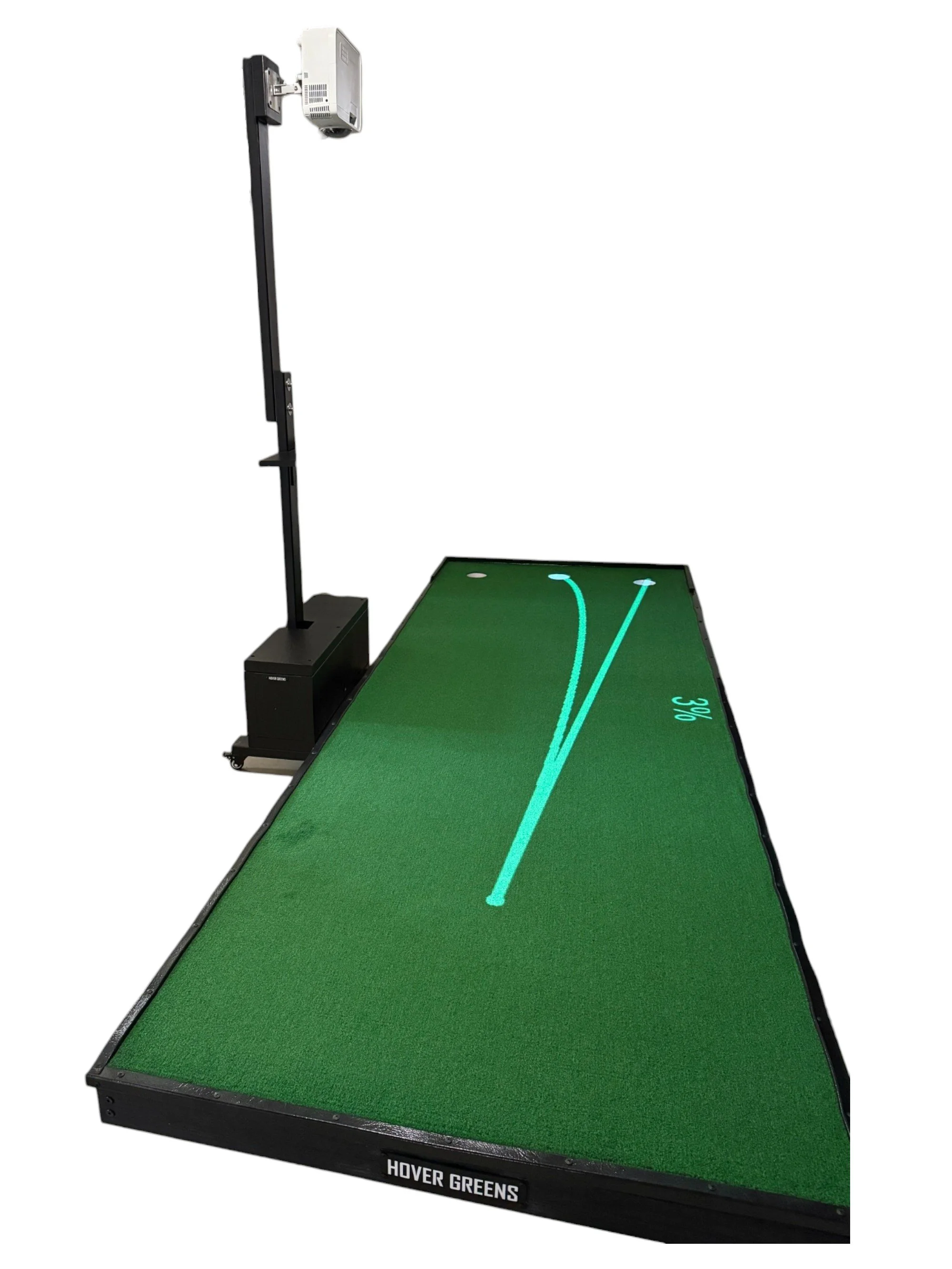
Wall mounted: best for those who have a designated space for the putting green, and want a minimalist design. Also, for those who are projecting onto the ground in a simulator room.
Stand: provides the option to move the projector around. Best for those who train or will be using the software with both right and left-handed players.
Operating System Requirements
Desktop/Laptop only and is compatible with MacOS and Windows (computer not included). A WiFi connection is required and the Projector connects to the computer via a HDMI cable, so the computer either needs to have an HDMI port or the ability to connect to HDMI via an adapter.
No Subscription
Once the software is purchased, all future applications will be made available without additional charges. This does not include hardware upgrades.